
The academic identifier of the Amiens academy is based on a naming convention specific to the rectorate, distinct from the functional email address. Confusing the two remains the primary source of blockage during a recovery attempt. This guide details the authentication mechanisms, points of vigilance related to connection filtering, and the reflexes to adopt after a reset.
Filtering of abnormal connections on the Amiens academic webmail
The Ministry of National Education has validated, in its digital security roadmap, a strengthening of identity control and fraudulent access attempts. An account can therefore be temporarily blocked even if the password is correct. The system detects unusual behavior: connection from a foreign IP address, rapid succession of requests, or a change of unregistered device.
Many agents interpret this blockage as an expired password and immediately initiate a reset. This is a diagnostic error. Before any manipulation, it is necessary to check if the displayed message mentions a “temporary restriction” or “authentication impossible.” In the first case, it is preferable to wait before attempting again.
To recover your Amiens academic email credentials without triggering a false security positive, always use the same network and browser during the recovery process.
Academic multifactor authentication: what changes in 2026

The same ministerial roadmap provides for the generalization of multifactor authentication for all agents. The second factor relies on an application installed on a second device, typically a personal or professional smartphone.
The application generates a temporary code valid for a few dozen seconds. If you lose access to this secondary device, account recovery becomes more complex and requires direct contact with the rectorate’s IT services.
Verification points before activating the second factor
- Ensure that the authentication app is installed on a device you keep permanently, not on a shared tablet in the teachers’ lounge.
- Record the backup codes generated during activation. These one-time codes allow you to log in if the phone is lost or malfunctions.
- Check that your smartphone’s clock is synchronized automatically. A delay of a few minutes invalidates temporary codes.
The ministry indicates that many compromises are based on password theft followed by identity theft. Multifactor authentication blocks this scenario even if the password has leaked.
Phishing targeting staff of the Amiens academy
Phishing campaigns targeting National Education agents exploit pages that mimic the login interface of academic webmail. The fraudulent URL often includes credible fragments like “ac-amiens” or “webmail-education” in a subdomain, while being hosted on a third-party server.
The legitimate webmail address always begins with the domain ac-amiens.fr. Any variant with an extra hyphen, a .net or .com suffix, or a prefix like “secure-” should be considered suspicious. Access webmail only through a bookmark saved in the browser, never from a link received by email.
Warning signs in a fraudulent email
A message asking to “confirm your credentials within 48 hours or risk account deletion” never comes from the rectorate. The Amiens academy does not set such a deadline for validating an existing account. The tone of urgency and the threat of closure are the two most reliable markers of a phishing attempt.
If in doubt, forward the suspicious message to the rectorate’s cybersecurity unit without clicking on any links. If you have already entered your credentials on a dubious page, change your password immediately from the official portal and report the incident.
Securing the account after recovering the academic password
Recovering access does not conclude the procedure. The new password must comply with the rectorate’s complexity policy, which generally requires a mix of alphanumeric characters and special characters with a minimum length sufficient to withstand dictionary attacks.
- Do not reuse a password already used on a personal service (private email, social networks). A password shared across multiple accounts multiplies the exposure surface.
- Check the recovery address associated with your account in the settings of your academic space. If this secondary address is outdated, a future loss of access will require a physical visit to the rectorate.
- Log out of all active sessions on all devices after changing the password. This operation invalidates any potentially compromised authentication token.
A changed password without checking active sessions leaves a backdoor open if a third party had already gained access. Global logout is accessible from the security settings of the portal.
Role of the NUMEN in academic access recovery
The NUMEN (National Education Identification Number) serves as the ultimate identification key when the autonomous recovery procedure fails. This number is not modifiable and remains attached to the agent throughout their career.
Without this number, no human intervention on the account is possible. Keep it in a secure document, separate from other digital identifiers, and accessible offline.
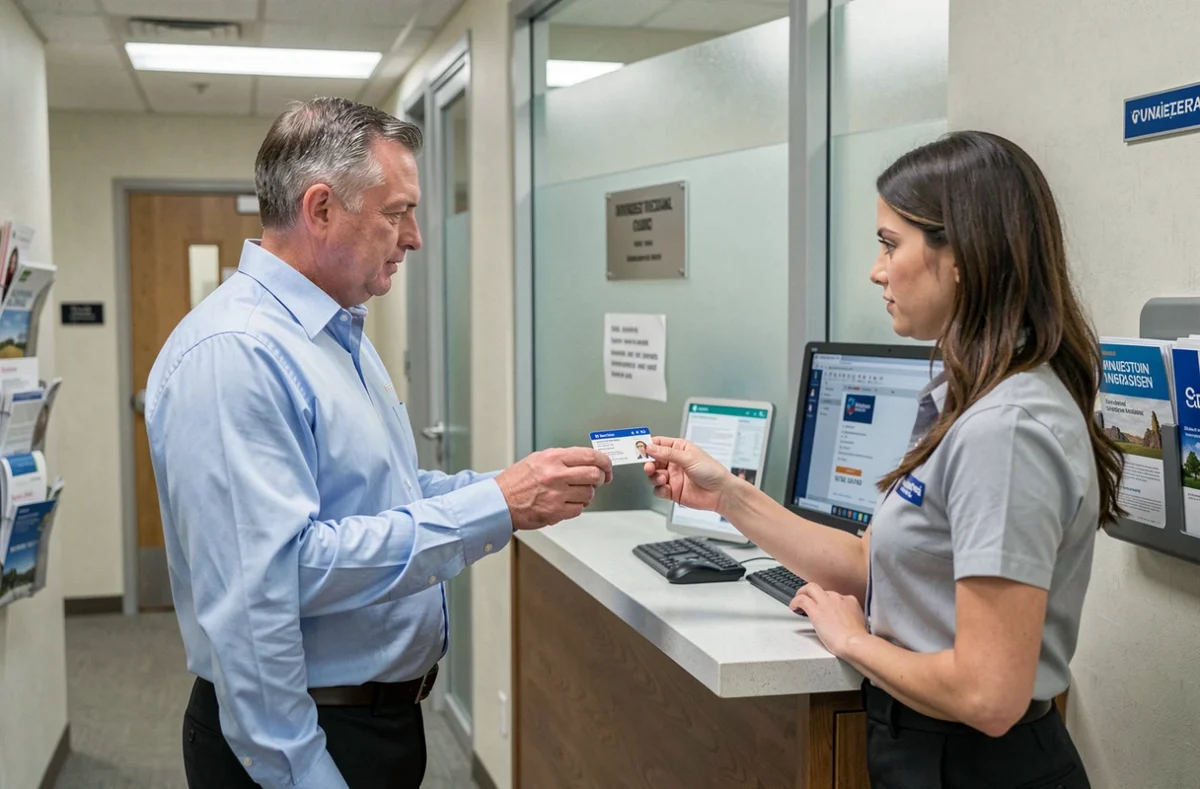
In case of loss of the NUMEN, a visit to the rectorate’s human resources department with an ID remains the only option.
Recovering access to the Amiens academic webmail is not just about clicking “forgot password.” Connection filtering, the deployment of multifactor authentication, and the persistence of phishing campaigns make each step more technical than a few years ago. Keeping your NUMEN accessible and your recovery settings up to date remains the most reliable way to avoid prolonged blockage.